camelQA logo
  • Docs
  • Contact
  • Log in
    • Docs
    • Contact
    • Log in
  • Put your testing
    on autopilot.

    camelQA controls a mobile OS through pixels, no source code required.

    yc logo

    Proudly backed by Y Combinator

    Get started chevron right Schedule demo chevron right
    wavey lines

    Watch our AI in action

    Get an AI to test your app on a real phone in minutes with camelQA.

    No need to migrate

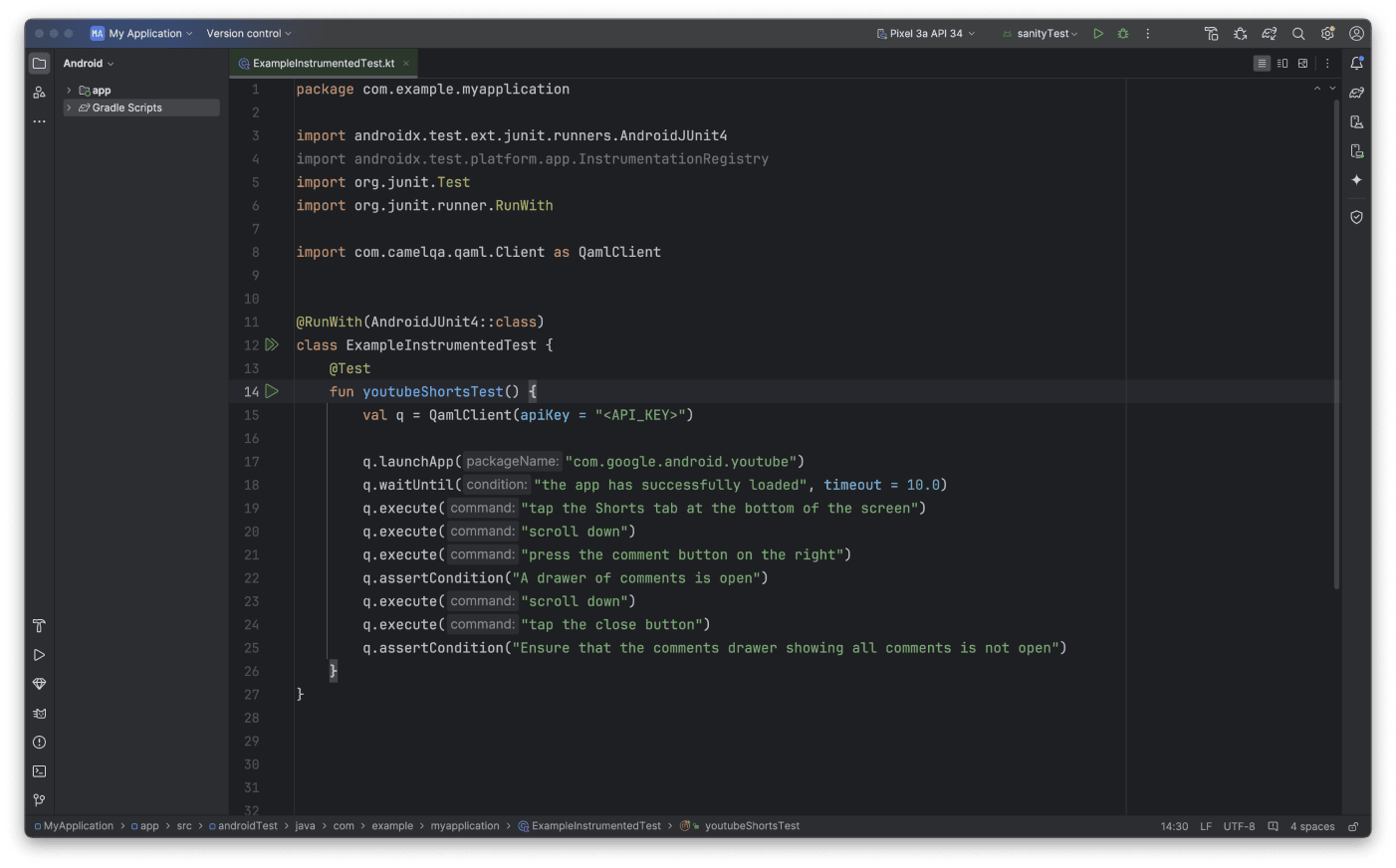
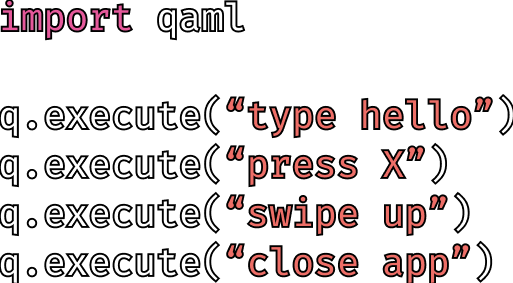
    Import our package directly into your testing environment.
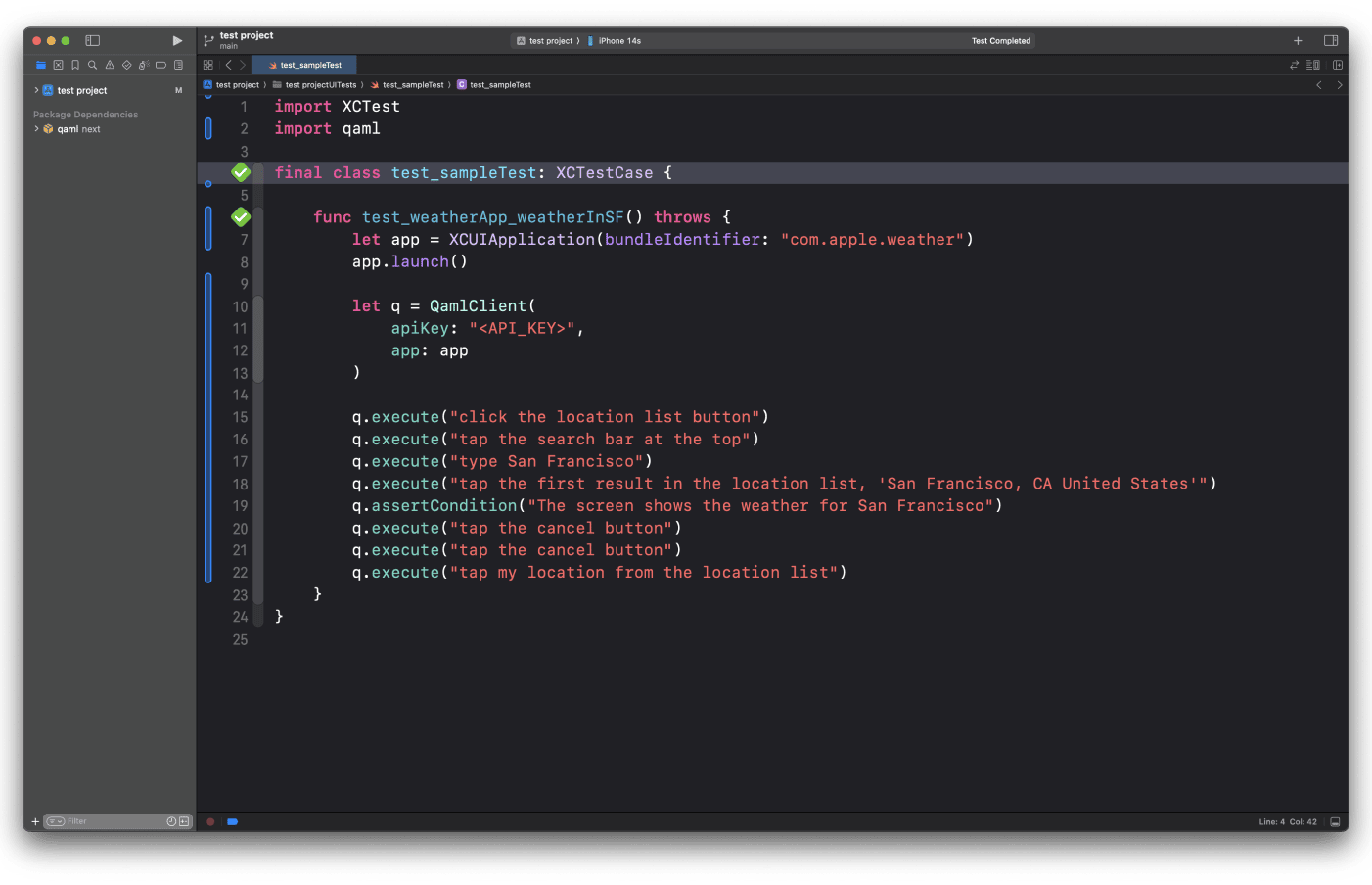
    xcode sample project
    android studio sample project
    appium sample project

    camelQA scales to fit your needs

    camelQA
    scales to fit your needs

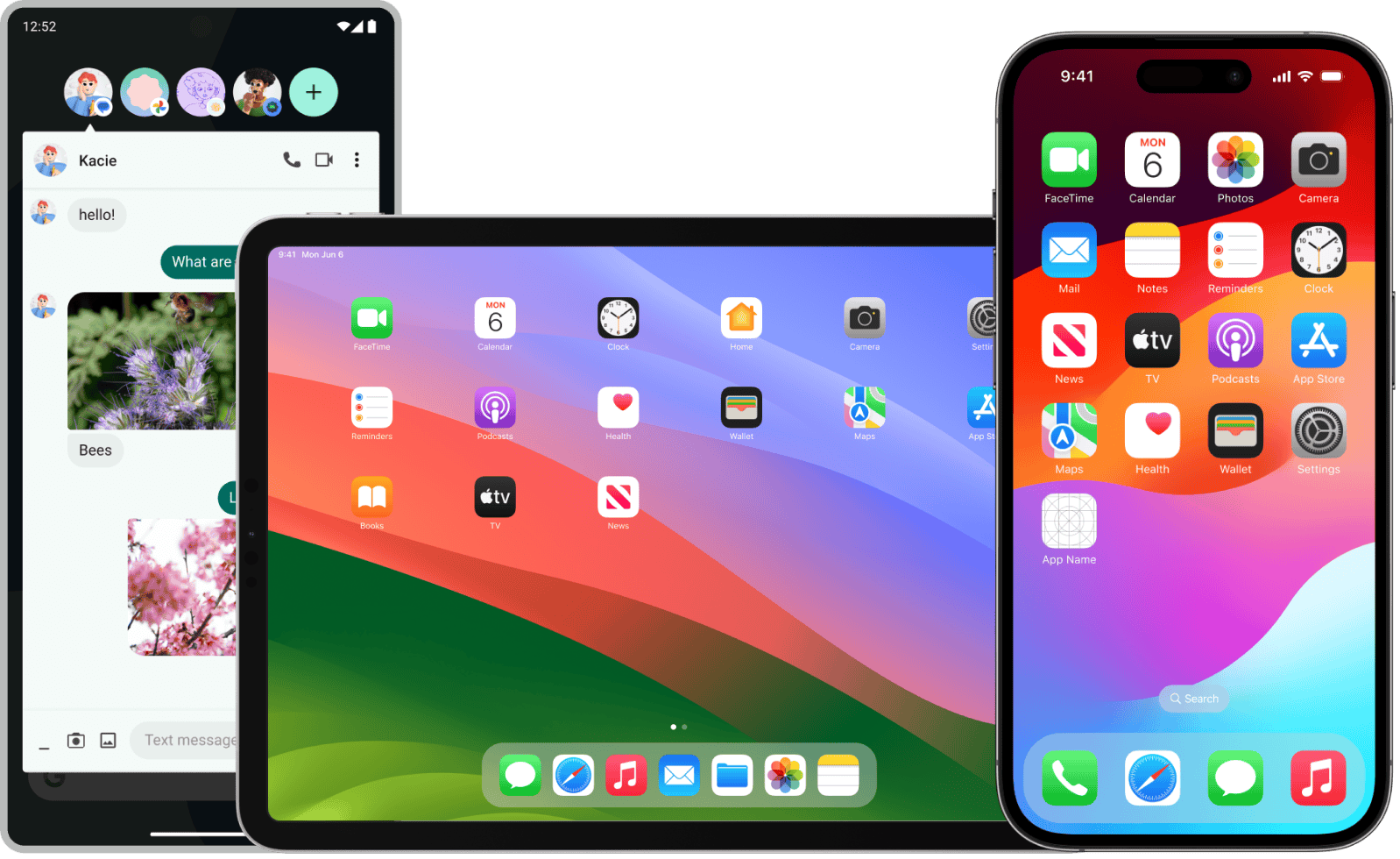
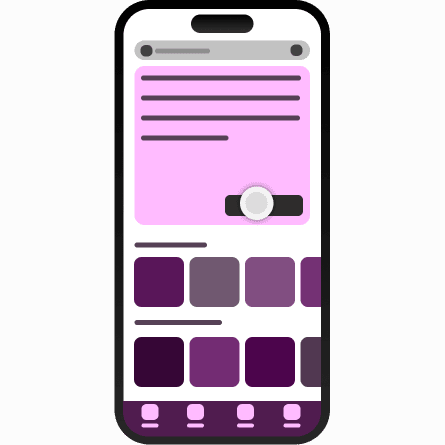
    Use the same test across phyiscal or simulated devices with easy integration to your device farm.

    picture of devices

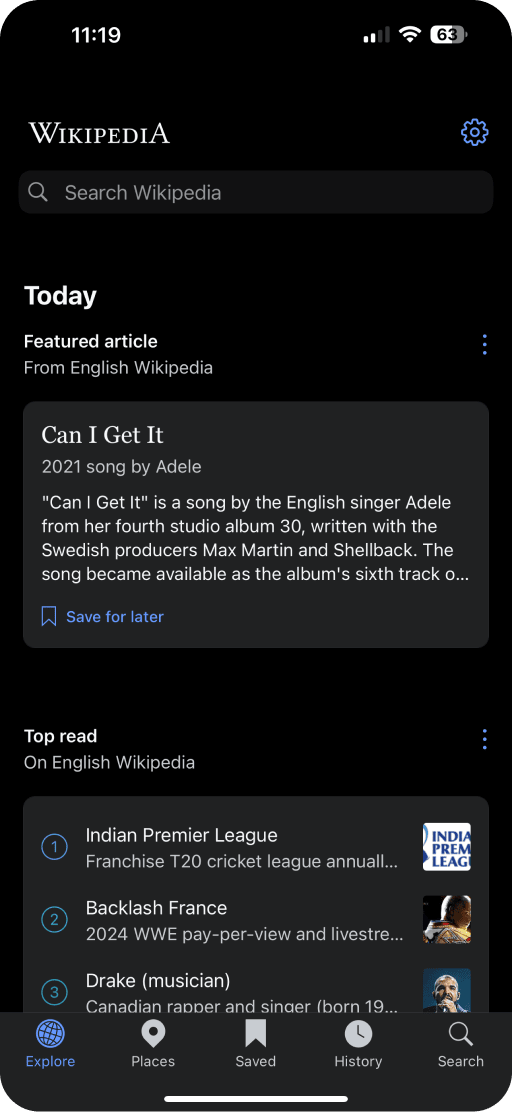
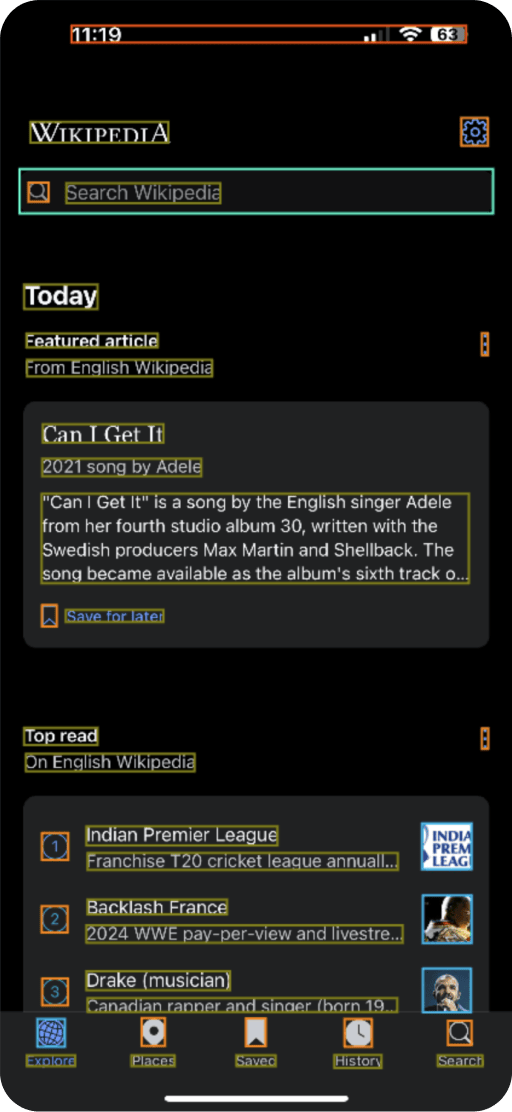
    AI that can see your screen

    Don’t waste days adding element identifiers to your app. camelQA works out of the box.

    unlabeled wiki screenshot labeled wiki screenshot

    UI Automation for all
    mobile platforms

    Support for Unity SwiftUI and UIKit React Native Flutter iOS Android

    unity swift react native flutter iOS android

    How it works

    UI automations made easy

    1

    Connect your device

    Plug in a physical device or spin up a device simulator

    tapping on iphone
    tapping on iphone

    2

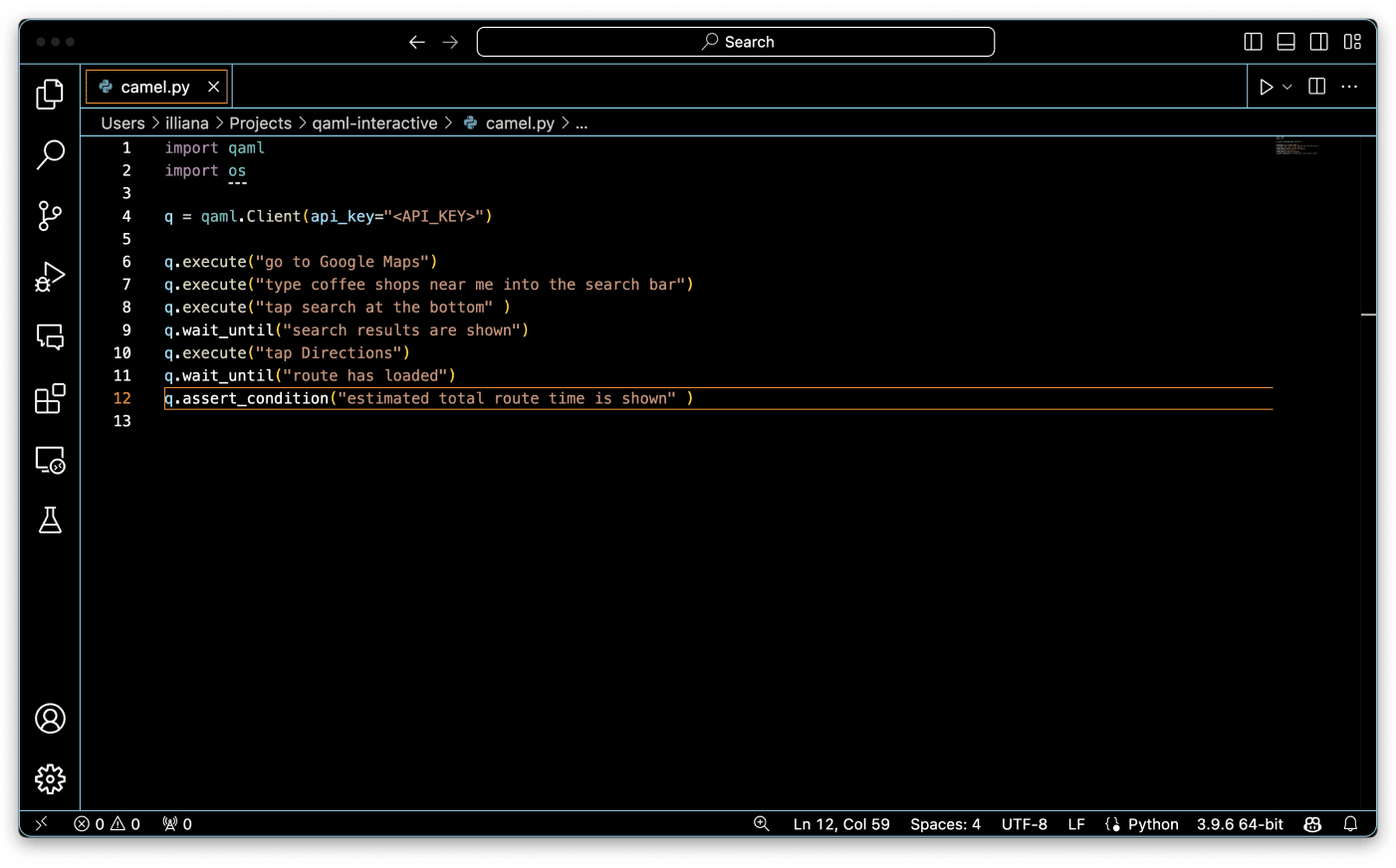
    Install the qaml package

    Use pip install qaml to get started

    app icon
    app icon

    3

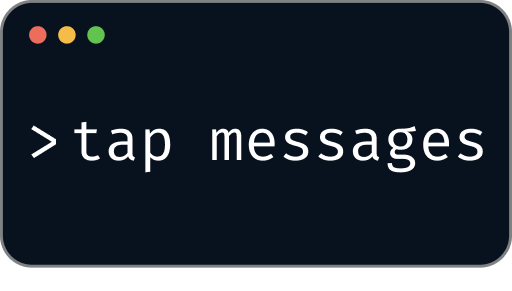
    Experiment in the repl

    Use natural language to control your device and build your test cases

    repl image
    repl image

    4

    Create your test scripts

    Automate your UI test scripts in minutes.

    bug ticket
    bug ticket

    Get started today.

    Get started chevron right Schedule call chevron right
    camelQA logo

    CamelQA uses AI to control a mobile operating system with natural language.

    twitter logo github logo linkedin logo youtube logo

    Terms

    Data Management

    Acceptable Use

    © 2024 camelQA

    All rights reserved